
You open Snapchat, scroll through your friends list, and notice a small green dot sitting next to someone’s name. Now you’re curious — or maybe a little suspicious. Does it mean they’re online? Are they ignoring you? Did they just ghost you while being literally active? You’re not alone. The green dot on Snapchat means the person is currently active on the app, but there’s a lot more to it than just that. Let’s break it all down, clearly and simply.
What Does the Green Dot on Snapchat Actually Mean?
The green dot on Snapchat is an active status indicator. When you see it next to someone’s name or on their Bitmoji, it means they are currently using Snapchat or have used the app very recently — typically within the last few minutes.
Think of it like the green light outside someone’s room. The light is on, so they’re probably home. Whether they want to talk to you is a completely different story.
This feature was introduced to make it easier to know when your friends are available for a real-time chat or a quick snap exchange. It’s simple in theory, but a little more layered in practice.
Where Exactly Does the Green Dot Appear on Snapchat?
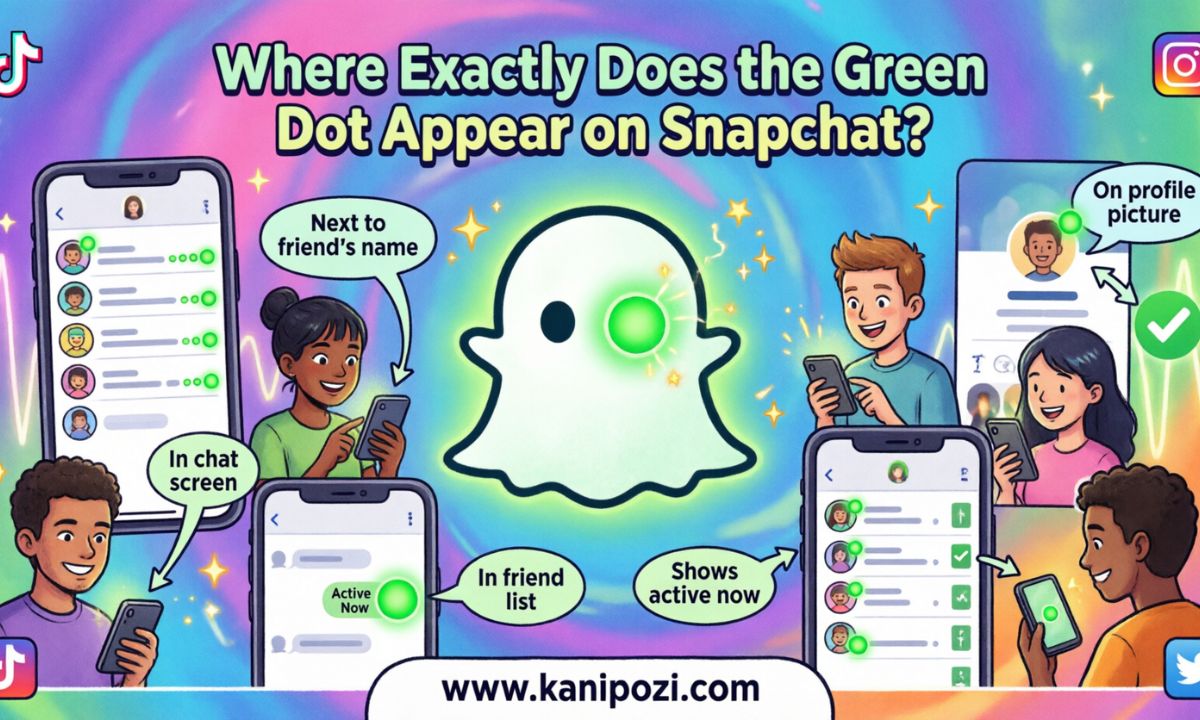
The green dot does not show up in just one place. It appears in three main spots:
- Next to a friend’s name in your Chat list — meaning they’re active right now
- On their Bitmoji avatar when you’re in a conversation with them — this is a strong signal they’re present and possibly even in that very chat
- On the Snap Map — their Bitmoji glows or appears with a green indicator when they’re active
Each placement gives you slightly different context. The Bitmoji in the chat window is the most immediate signal. If you see it there, that person is likely looking at the app at that very moment.
Active Now vs Recently Active: What’s the Difference?
Snapchat actually differentiates between two states, and this is where most people get confused.
Active Now means the person is on the app at this exact moment. The green dot is bright and present. Recently Active means they used Snapchat within the last few hours but aren’t necessarily there right now.
In some cases, Snapchat shows a timestamp like “Active 2h ago” instead of the green dot. If you see the green dot without any timestamp, treat that as real-time activity.
| Signal | What It Means |
| Green dot (no text) | Currently active on Snapchat |
| “Active now” label | Online right now |
| “Active Xh ago” | Used the app X hours ago |
| No dot or label | Activity status hidden or unavailable |
Does the Green Dot Mean They Saw Your Message?
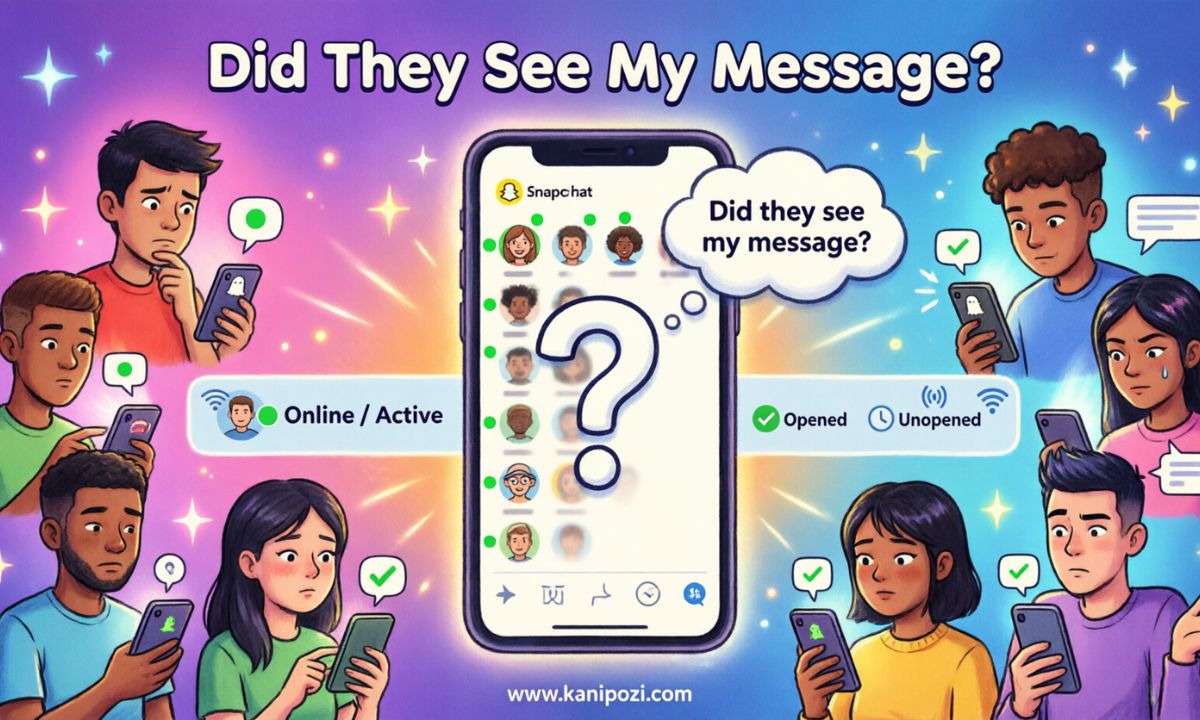
Here’s a question that keeps a lot of people up at night — no judgment.
The green dot does not confirm they read your message. It only tells you they’re active on the app. They could be scrolling through Stories, posting a Snap, or chatting with someone else entirely.
For actual read confirmation, you need to look at the chat receipt status below your message. Words like Delivered, Opened, or Read tell you whether your message was seen. The green dot is just about presence, not about your specific conversation.
A Brief History: Why Did Snapchat Add This Feature?
Snapchat wasn’t always this transparent about user activity. For years, the app was famously private by design — no read receipts visible to outsiders, no activity logs, no “last seen” timestamps. That was a core part of its appeal.
As messaging apps evolved and platforms like WhatsApp and Instagram began showing online statuses, Snapchat followed suit around 2021 to 2022 with the rollout of active status indicators. The goal was to make the app feel more like a real-time social space, not just a photo-sending tool.
Historically, the concept of a “presence indicator” dates back to early instant messaging platforms like AOL Instant Messenger and MSN Messenger in the late 1990s. The green dot is essentially the modern, mobile-native version of the classic “buddy is online” signal that defined a generation of digital communication.
Can Someone Hide Their Green Dot From You?
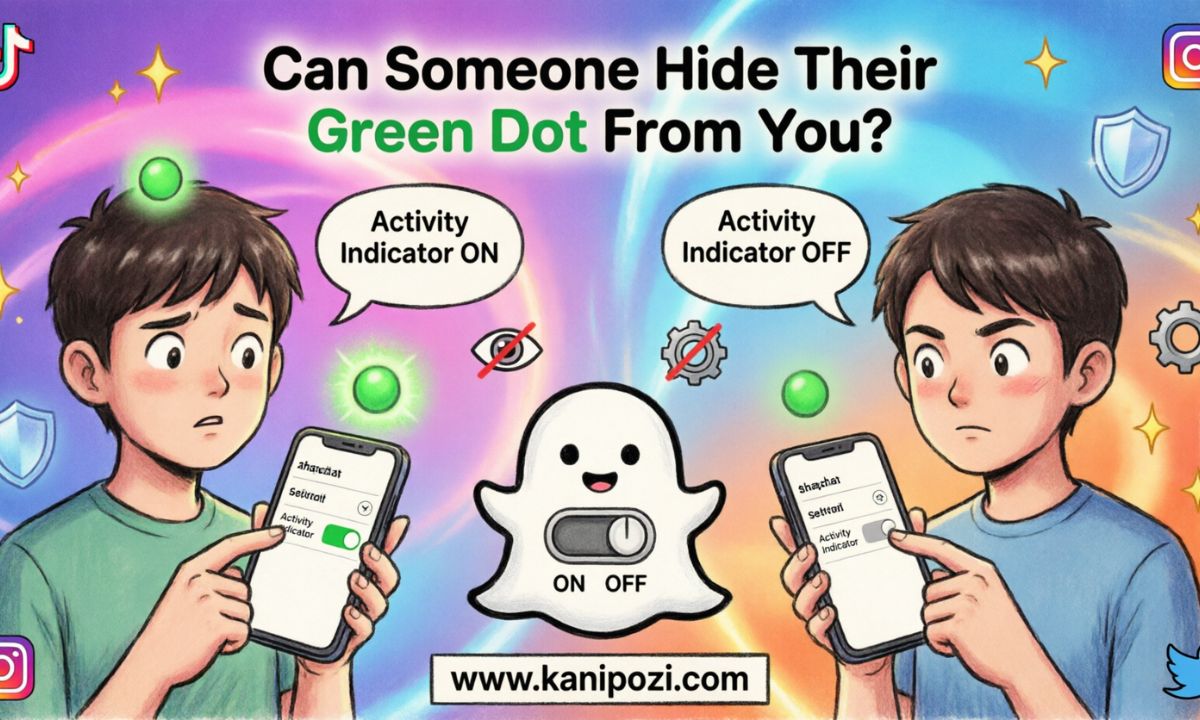
Yes, and this is important to understand before you read too much into someone’s online status.
Snapchat gives users the ability to turn off their active status entirely. If someone has disabled this feature, you won’t see a green dot even if they’re actively using the app. So the absence of a green dot does not mean the person is offline. It might just mean they value their privacy — or they really don’t want you to know they’re online. Both are valid.
To turn it off, a user goes to Settings > Privacy Controls > Active Status and toggles it off. It takes about five seconds and completely removes their visibility from the activity indicator system.
Green Dot on Snap Map: Does It Mean the Same Thing?
On the Snap Map, the green dot works slightly differently. When someone shares their location on the map and has been recently active, their Bitmoji may appear with a glowing or highlighted effect.
However, Snap Map has its own privacy settings. Users can choose to share their location with everyone, select friends only, or no one (Ghost Mode). If someone is in Ghost Mode, they won’t appear on the map at all — green dot or otherwise.
So if you’re tracking a friend on the map and their Bitmoji looks active, that’s a reliable indicator. If they’ve disappeared from the map entirely, they’ve probably gone Ghost Mode — and no, that’s not as dramatic as it sounds.
Common Mistakes People Make About the Green Dot
A few assumptions get made about this feature that are simply not accurate.
Mistake 1: Thinking it means the person is ignoring you. The green dot shows activity, not intent. They might not have seen your message in the stack of notifications they have waiting.
Mistake 2: Assuming no green dot means they’re offline. As covered above, users can hide their active status. The absence of the dot is not proof of anything.
Mistake 3: Confusing it with a message read receipt. These are two completely different signals. One is about presence, the other is about a specific interaction.
Mistake 4: Thinking it’s always real-time. Sometimes a green dot lingers slightly after a person closes the app. There can be a short delay of a minute or two before the indicator updates.
Green Dot vs Other Platform Activity Indicators
Snapchat isn’t the only app doing this. Most social platforms now have some version of an active status feature.
| Platform | Indicator | Can Be Hidden? |
| Snapchat | Green dot next to name or Bitmoji | Yes |
| Green dot in DMs and follower list | Yes | |
| “Online” or “Last seen” label | Yes | |
| Facebook Messenger | Green dot next to profile photo | Yes |
| Discord | Green circle (Online status) | Yes |
What makes Snapchat’s version slightly unique is that it integrates with the Bitmoji avatar system, making the status feel more personal and visual rather than just a small dot on a text name.
Should You Be Concerned About Your Own Green Dot Visibility?
If you care about your privacy on Snapchat — and there are very reasonable grounds to — you should check your active status settings.
When your green dot is visible, anyone on your friends list can see when you’re online. If you open the app to check something quickly and don’t want to signal your availability, the safest move is to disable the active status feature in your privacy settings before opening the app.
This is especially useful if you want to catch up on messages or Stories without triggering that notification-level awareness that you’re online and technically reachable.
Real-Life Scenarios Where the Green Dot Actually Helps
Understanding the green dot isn’t just about curiosity. There are genuinely useful situations where it adds value.
Scenario 1: You need to make plans quickly and want to know if your friend can respond in real time. Spotting their green dot tells you this might be a good time to send that snap and expect a fast reply.
Scenario 2: You sent an important message and are waiting for a response. Seeing the green dot means they’re active and could see your message soon — or they already have and are composing a reply.
Scenario 3: You’re on a group chat and want to know who’s likely to engage right now. The green dots on individual names help you identify who’s present.
Frequently Asked Questions About Green Dot on Snapchat
If I have the green dot turned on, can strangers see it?
No. Only people on your Friends list can see your active status. Anyone who has not been added as a friend on Snapchat cannot see your green dot.
Does the green dot disappear immediately when I close Snapchat?
Not always immediately. There’s typically a short delay of one to two minutes before the green dot disappears after you close the app. So if someone sees your dot right after you’ve logged off, that’s why.
Can I see when someone viewed my Story using the green dot?
No. Story views are tracked separately under the Story viewer list. The green dot only tells you about general app activity, not Story-specific interactions.
Conclusion: The Green Dot Is Useful — Just Don’t Overthink It
The green dot on Snapchat is a simple, helpful feature when you understand what it actually does. It signals that someone is currently active on the app, nothing more and nothing less. It doesn’t confirm they read your message, it doesn’t mean they’re ignoring you, and it doesn’t reveal their exact location.
Use it as a gentle signal, not a surveillance tool. And if you’d rather operate in stealth mode yourself, Snapchat gives you that option too. Everyone gets to choose their own level of visibility — which, when you think about it, is a pretty fair deal.
Now that you know exactly what the green dot means, you can stop guessing and start snapping with a bit more confidence.